Watch Netflix with dual subtitles on Langflix.
Install Langflix Extension
Exclusive features of the Langflix Extension
Highlight key words and phrases in subtitles
Learn real native Terms with Highlights. Save them to the Mobile App instantly with a single click.
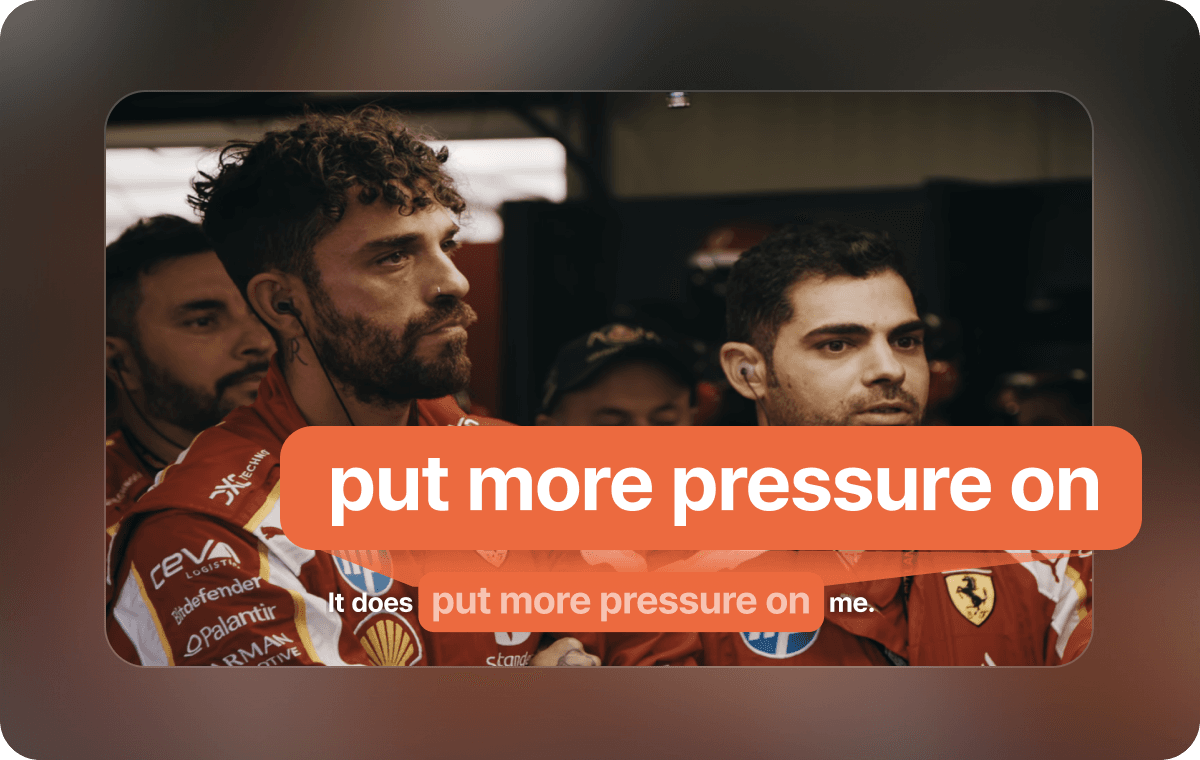
Listening practice mode lets you hide Terms and Sentences as you practice.
You can hide Terms or Sentences in the Subtitles to test your Listening skills. Check if you can catch the words you’ve learned and improve your Listening.
Add real-time Review linked with the Mobile App.
Add your favorite terms and sentences to Review. You can review your added terms and sentences in the App.
Understand native-style jokes with Expert Comment.
We’ll help you understand jokes and expressions with cultural context. Don’t miss out on scenes you used to skip because you didn’t get what they meant.
How to use the Langflix extension
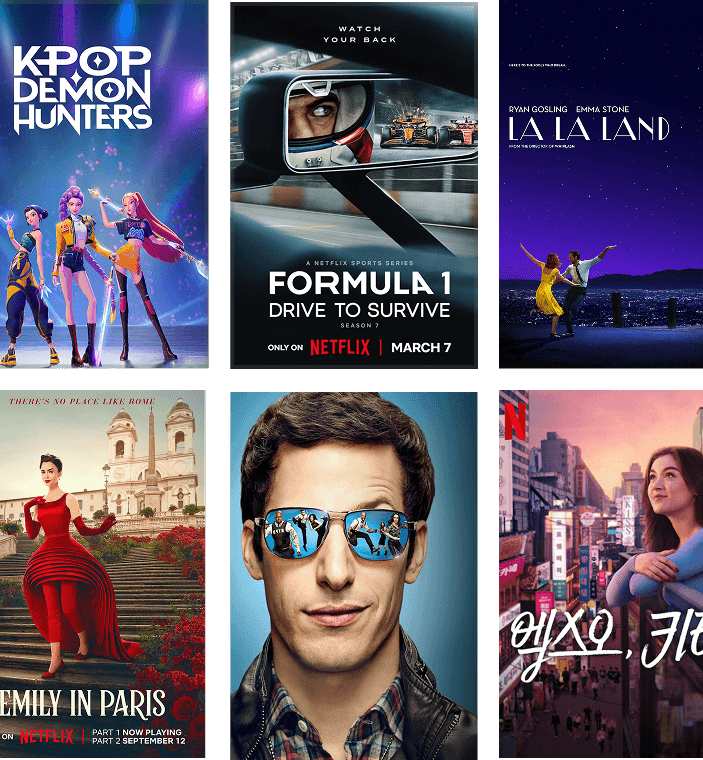
Select content.
Choose your favorite series from the wide range of Netflix content supported by Langflix.
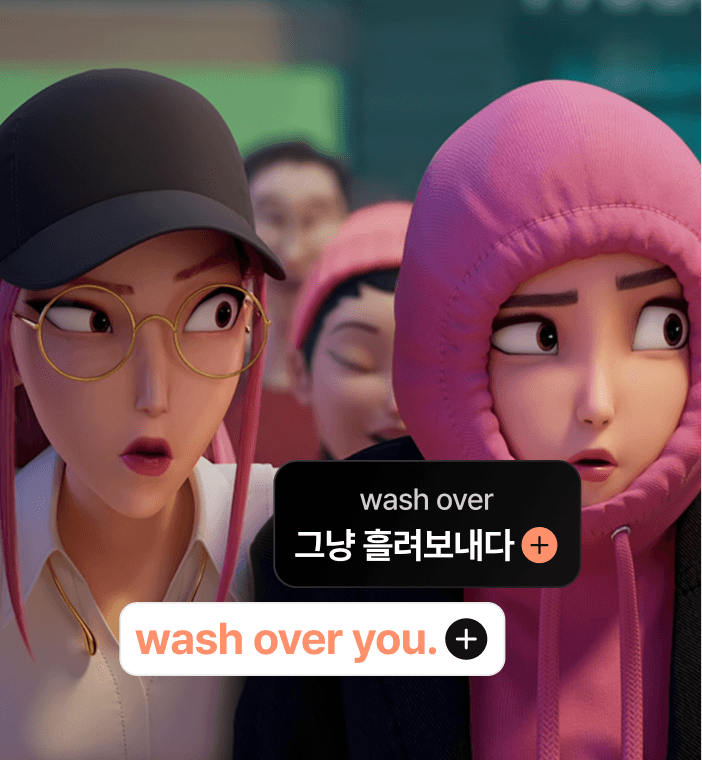
Learn as you watch.
While watching, click on unfamiliar terms to add them to Review.
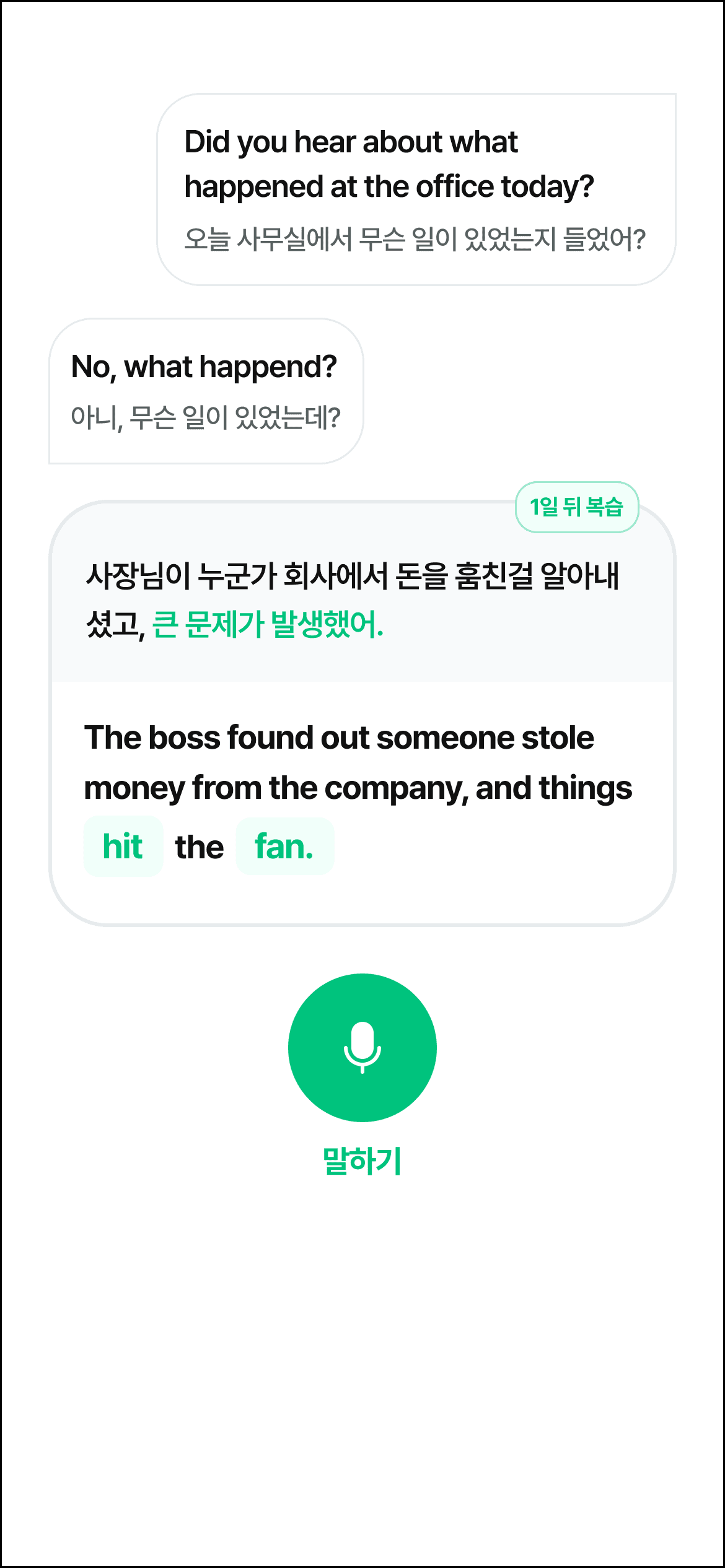
Continue learning in the App!
Keep reviewing your Added Terms in the App. Langflix uses an automatic spaced Review system to help you remember them.


2nd place
App Store Education Category
As of 2025.8.25

The perfect Shadowing app
This is honestly the best shadowing app out there. I thought it would only let me repeat a couple of Netflix shows, but it’s like having Netflix itself—and it even supports shadowing with YouTube videos. Honestly, out of all the English shadowing apps, this is the best. It’s a game changer.
The English app you’ve been looking for
I can’t stick to studying English regularly, but I always end up browsing and buying English learning apps—I’m totally hooked. After trying so many, what I really wanted was an app where I could study with the YouTube videos I actually like. I replaced the YouTube app on my phone with Langflix, and now whenever I’m bored, I just open Langflix and watch Shorts. I honestly love this!
The best English learning app!
I’ve tried lots of English learning apps but always ended up deleting them—Langflix is the first one I’m truly satisfied with! Shadowing, Listening, and Learn features are all great, and the Review program is really well designed. This is the best app ever!
Love practicing with Shadowing
This is the most useful app I’ve downloaded since Instagram. Picking my favorite Video helps me focus, and comparing my pronunciation with native speakers makes me want to practice even more. Please keep up the great work!

Perfect for people like you!
For those who’ve lost interest in boring, repetitive English study
For those who want to learn English in a fun and consistent way
For those who want to improve their English by watching Content like YouTube, American TV shows, and the shows I love
For those who want to improve their Listening skills until they can watch shows without Subtitles
For those who watch a lot of video content and don’t want to miss out on English sentences that go by
For those who want to learn real native English Terms in your spare moments
Frequently Asked Questions
Q. Who is Langflix suitable for?
Langflix is a highly personalized English learning App that lets you study with YouTube and Netflix content. The English level adjusts naturally based on the content you choose, so everyone—from beginners to fluent speakers—can learn at their own pace.
Q. Can’t I watch Netflix with dual subtitles on the Mobile App?
Currently, dual subtitles for Netflix are only available on the PC Extension. On the Mobile App, dual subtitles are supported for YouTube only. *Dual subtitles on YouTube: Available only on the Mobile App *Dual subtitles on Netflix: Available only on the PC Extension